Laptop charging issue | Port Alfred
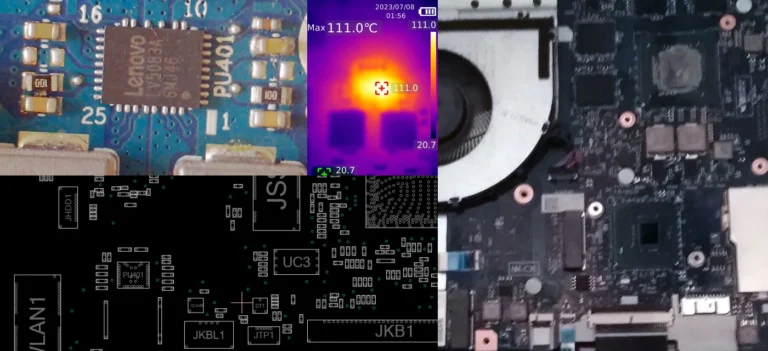
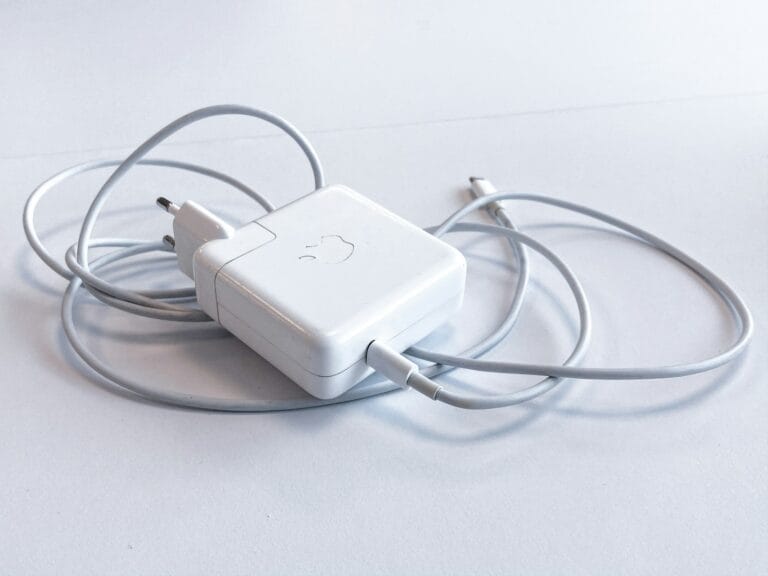
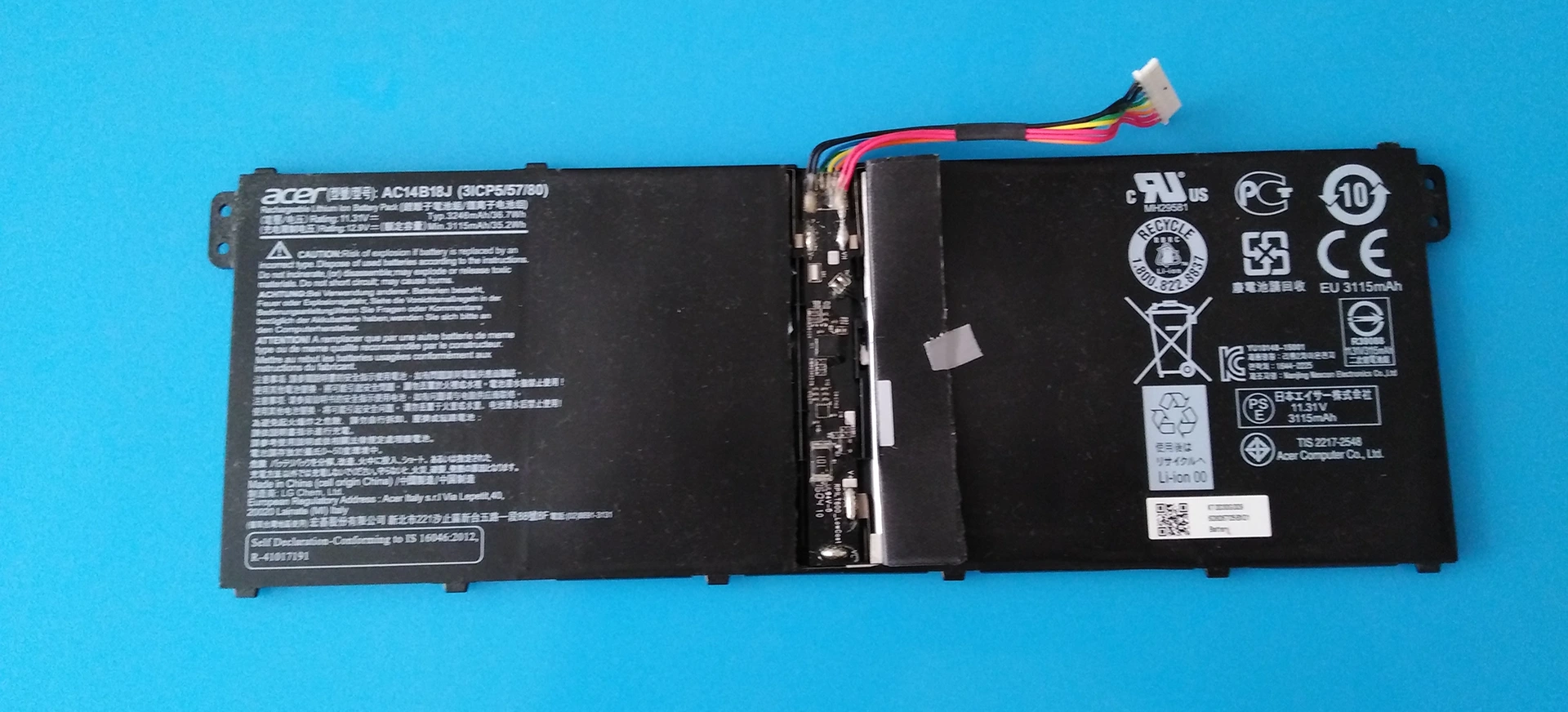
Laptop charging issue | There are 6 things to check if a laptop is not charging. The battery, the charger (especially if not the original, and not having enough amps), the middle pin of the charging jack, the bq power management chip and the ec or superio chip – and maybe the BIOS as a image is used by the ec chip.
Sometimes it is still better to replace a problematic battery. Recently I had a liquid damage case where a hp laptop (BIOS and hp tools) refused to recognise a genuine hp battery as a genuine hp battery. Although the pro NLBA battery status test indicates that the battery was healthy, there was a charging issue where the battery would stop charging after a few minutes (charging led begins to flash instead of remaining steady) and had to be reset. This was reoccurring which was problematic. Initially the battery was deeply discharged due to issues and was manually charged to meet the minimum voltage specified for the battery. It worked for while and then gave issues thereafter.

“2 most common reasons why laptop is not charging:
1 Smart (charger id) pin is shorted
dell – transistor or diode connected often short
2 Battery too low (bad balance -> locked)
Very rare – charging circuitry (BQ chip) faulty or SIO chip (liquid damage, corrosion) | discharging mosfet faulty.”
Using a genuine hp battery in this case has its advantages. BIOS tools specific for hp allow for battery testing and calibration and work only if a genuine hp battery is detected.
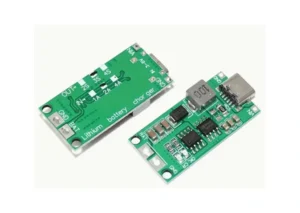
I do have small circuit boards that can replace the battery circuitry and charge up to 2 amps only which is safe for laptop batteries. The charging will automatically stop when fully charged. This is a makeshift solution when a batteries circuitry is malfunctioning or cannot be unlocked.
“The superIO is the brains of the start-up process before the processor takes over. This chip also controls the charging of the battery using the bq power management chip. If the superIO is dead or shorted, charging will not occur, nor will the device power on.”

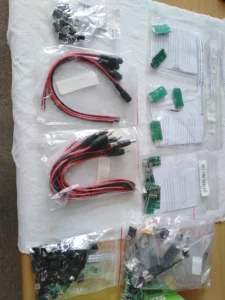
Unfortunately, the best solution is very expensive with very high fees for unlocking a battery. The 10 year unlocking license is almost R20 000. This cost is not viable for most laptop repair specialists as it is cheaper for the battery to be replaced than to unlock. Alternative solutions are simply not available at this time. Hopefully, some company will provide laptop battery unlocking at an affordable price or even free in the future.
However, having a working battery is essential as it is the first step in solving charging issues. There is no point in spending much time on the charging circuitry on the board without being certain that the battery is fully working. This can normally be simply determined by using a linear bench power supply. However, it some cases a more specialised tool is needed.
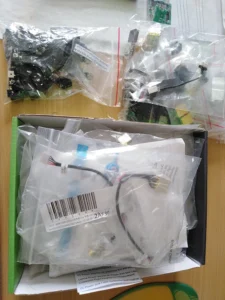
Sometimes the dc jack of the charging port needs to be replaced. A quick fix of using a resistor and Zener diode to provide voltage to the middle pin if voltage is missing may not always be the best solution. In older devices, this worked well However, some newer laptop technologies are designed similar to Lenovo laptops. Here, if the middle pin is shorted to the main power rail voltage, the superIO chip will die. So we need to be careful with short-cuts and quick fixes, especially on the latest laptops.
I do regularly import common dc jacks from China to ensure that there is local stock of the most common ports.
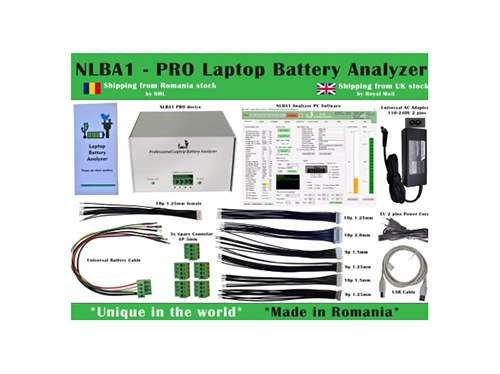
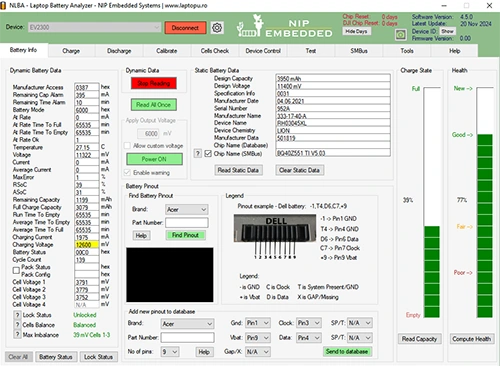
Laptop charging issues | NLBA software the clear leader of battery diagnostic software
Presently this is the best laptop battery diagnostic software available. The alternative software available is very limited as also is using a programmed Arduino to diagnose laptop batteries.
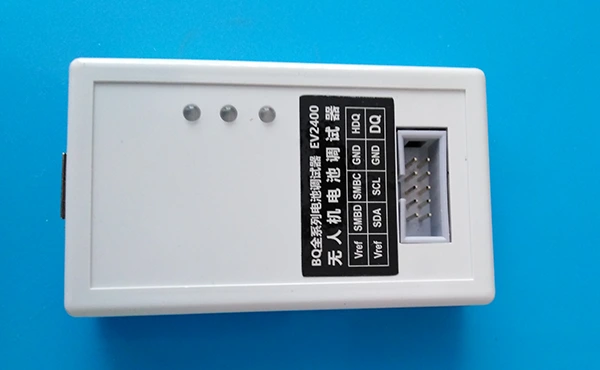
EV2400 Battery Metering Chip Programmer UAV Battery Debugger
This device is used to feed in the data from the laptop battery into the NLBA software and can be used to unlock locked batteries if subscribed to their expensive high-end unlocking service. It is the cheapest option and can be used together with a SKYRC Lipo battery charging tool to charge and discharge batteries externally and in a balanced cell manner apart from the laptop. This set up is what I am currently using.
SKYRC Lipo battery charging tool
One of the models – B6 mini – has pc Charge Master software which displays a real-time graph of the balanced charging and discharging of a battery. These devices also display the state of each of the cells individually so that we can easily identify a bad cell..
It can also be used as a Battery Internal Resistance Meter and it has an Automatic Charging Current Limit, Capacity Limit, Temperature Threshold and Processing Time Limit which makes the charger safe.
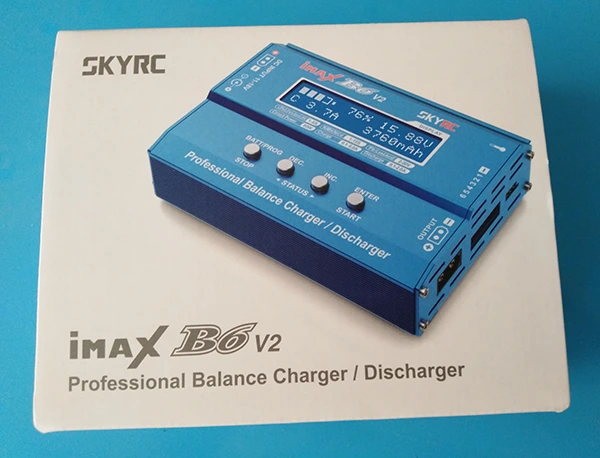
NLBA – the complete set-up with the recommended hardware for charging, discharging, etc.
The best setup will set you back R30 000! R8 500 for the device and R20 000 for unlimited battery unlocks for 10 years. Is anyone out there willing to provide a financial gift so that we can purchase this item ?